How to Check AKTU Results Online: A Complete Student Guide
Every semester, over 300,000 students across 750+ affiliated colleges in Uttar Pradesh check their examination scorecards. Here is the definitive guide on navigating the official portals and handling server downtime.
1. Overview of AKTU Result Platforms
Dr. A.P.J. Abdul Kalam Technical University maintains two distinct official web platforms for student examination data, alongside third-party independent utilities:
AKTU OneView
Official public result engine (oneview.aktu.ac.in). Designed for students, parents, and employers to view full semester-wise history.
AKTU ERP Portal
Official student administrative dashboard (erp.aktu.ac.in). Requires individual student password for exam fees, scrutiny, and admit cards.
Independent Helpers
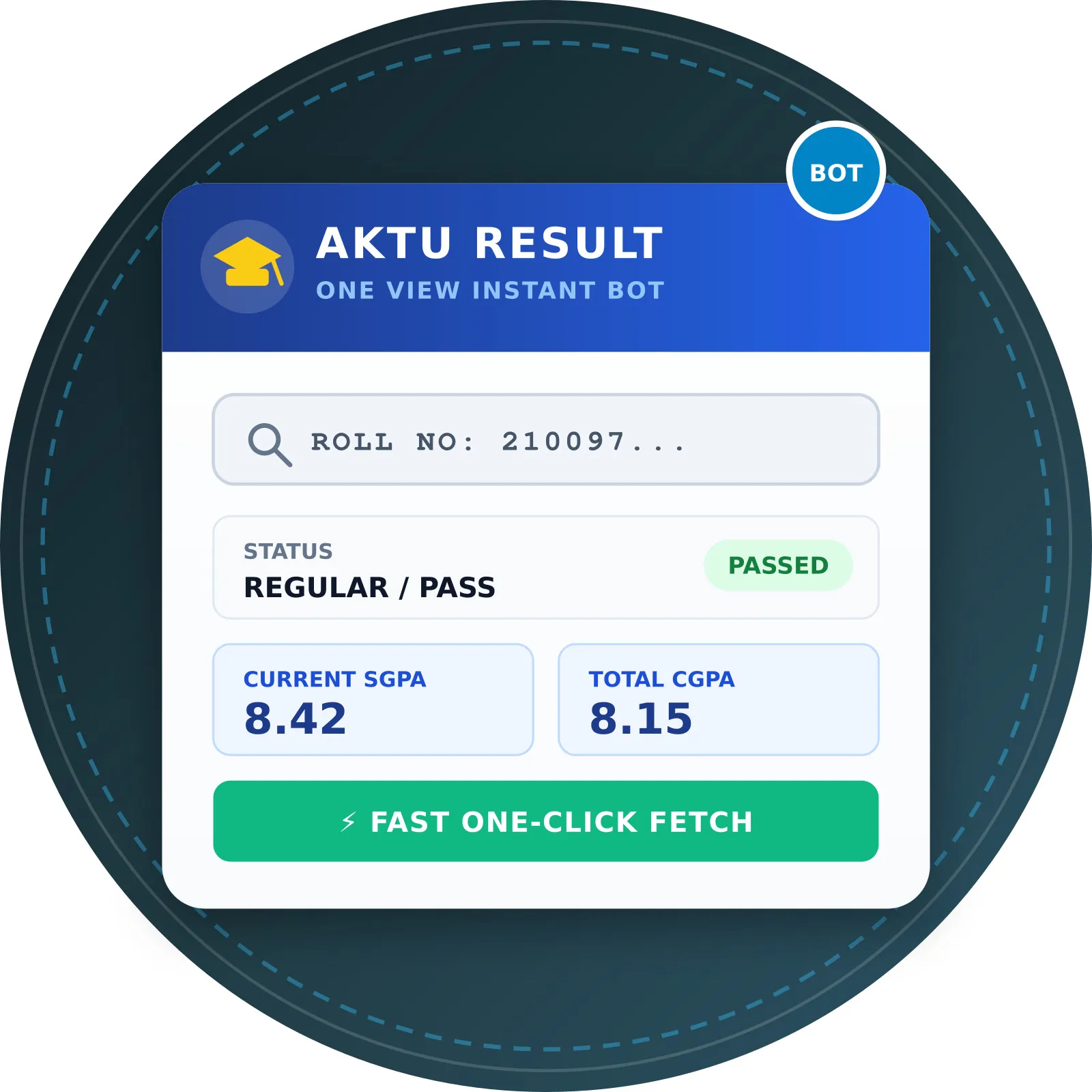
Community utilities like akturesult.bond that query university gateways to assist students who have lost their registered date of birth.
2. Method 1: Checking via Official AKTU OneView Portal
The official OneView repository is the most widely used portal for viewing comprehensive marksheet summaries. Follow these steps:
- Visit the Official Portal: Open your web browser and go to https://oneview.aktu.ac.in.
- Enter Your Roll Number: In the primary input field labeled "Roll No", type your 10 to 14 digit university roll number accurately.
- Enter Registered Date of Birth: Select your Date of Birth in the exact format required (
DD/MM/YYYY). Ensure this matches the birth date recorded in your high school certificate and college admission form. - Solve the Captcha: Complete the security challenge (such as reCAPTCHA or math calculation) to verify you are a genuine visitor.
- Click "Search": Submit the query. The system will load your full profile along with expandable semester accordion tables.
3. Method 2: Checking via Official AKTU ERP Student Login
If you need to view challenge revaluation updates, special carry-over registrations, or internal sessional marks directly from your college department:
- Navigate to the official student login at https://erp.aktu.ac.in.
- Enter your User ID (which is your University Roll Number) and your confidential ERP password.
- Complete the security captcha and click Login.
- From the left-hand navigation menu or dashboard tiles, select Examination Dashboard → Result / Marksheet.
- View your latest declared semester scores or download your provisional marksheet.
Forgot Your ERP Password?
Click "Forgot Password" on the ERP login screen. An OTP will be dispatched to the mobile number registered in the university database. If your phone number has changed, you must contact your college registrar to update your profile.
4. Method 3: Using akturesult.bond Independent Assistant
When students do not remember their registered Date of Birth or when the official portal displays format mismatch errors, our independent helper provides a streamlined alternative:
- Visit the akturesult.bond homepage.
- Enter your 10 to 14 digit University Roll Number into the search field.
- Click ⚡ Check Result.
- The system performs an automated live query with university gateways, formatting and presenting your semester grades, SGPA, and carry-over status without requiring a Date of Birth.
5. What to Check on Your Result Screen
Once your result opens, verify the following essential details carefully:
Confirm your name spelling, father's name, enrollment number, and college name.
Check that internal marks from your college and external university exam marks are both populated.
Look for PASS, PWG (Passed With Grace), or PCP (Passed with Carry Over Papers).
Verify your term SGPA and cumulative CGPA. For formulas, read our SGPA Guide.
6. What to Do if the Official Portal Crashes
During peak declaration periods (especially when B.Tech odd or even semester results go live), the official ASP.NET servers experience immense concurrent load, causing "504 Gateway Time-out" or "Session Expired" errors:
- Wait 15-30 Minutes: Avoid continuous aggressive browser refreshes, which compound server load and can trigger temporary IP rate limits.
- Clear Cache or Use Incognito: Old session tokens stored in your browser can cause ViewState desynchronization.
- Check Off-Peak: Access the portal during lower traffic windows (early morning or late evening).
- Refer to Community Updates: Check our Telegram group for real-time university server status alerts.