Executive Summary & Core Directives
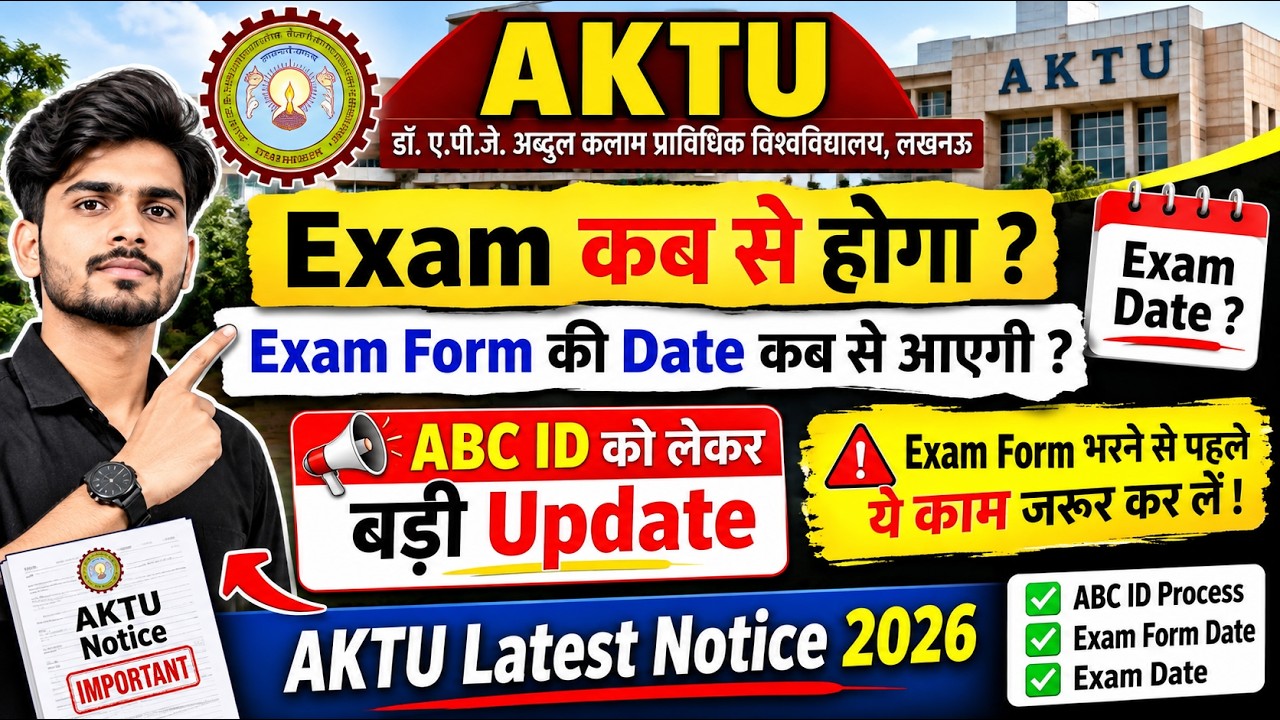
- AKTU has issued an official circular (dated 31 Oct 2026) mandating creation or verification of the Academic Bank of Credit (ABC) ID for all students of the 2026‑27 academic year.
- Odd‑semester examination forms will be available on the AKTU ERP portal from 5 Nov 2026; the final submission deadline is 20 Nov 2026.
- Admit cards, fee challans, and exam centre allocations will be generated only after the ABC ID is confirmed.
- Backlog (COP) and regular exam fee payments must be completed through https://erp.aktu.ac.in.
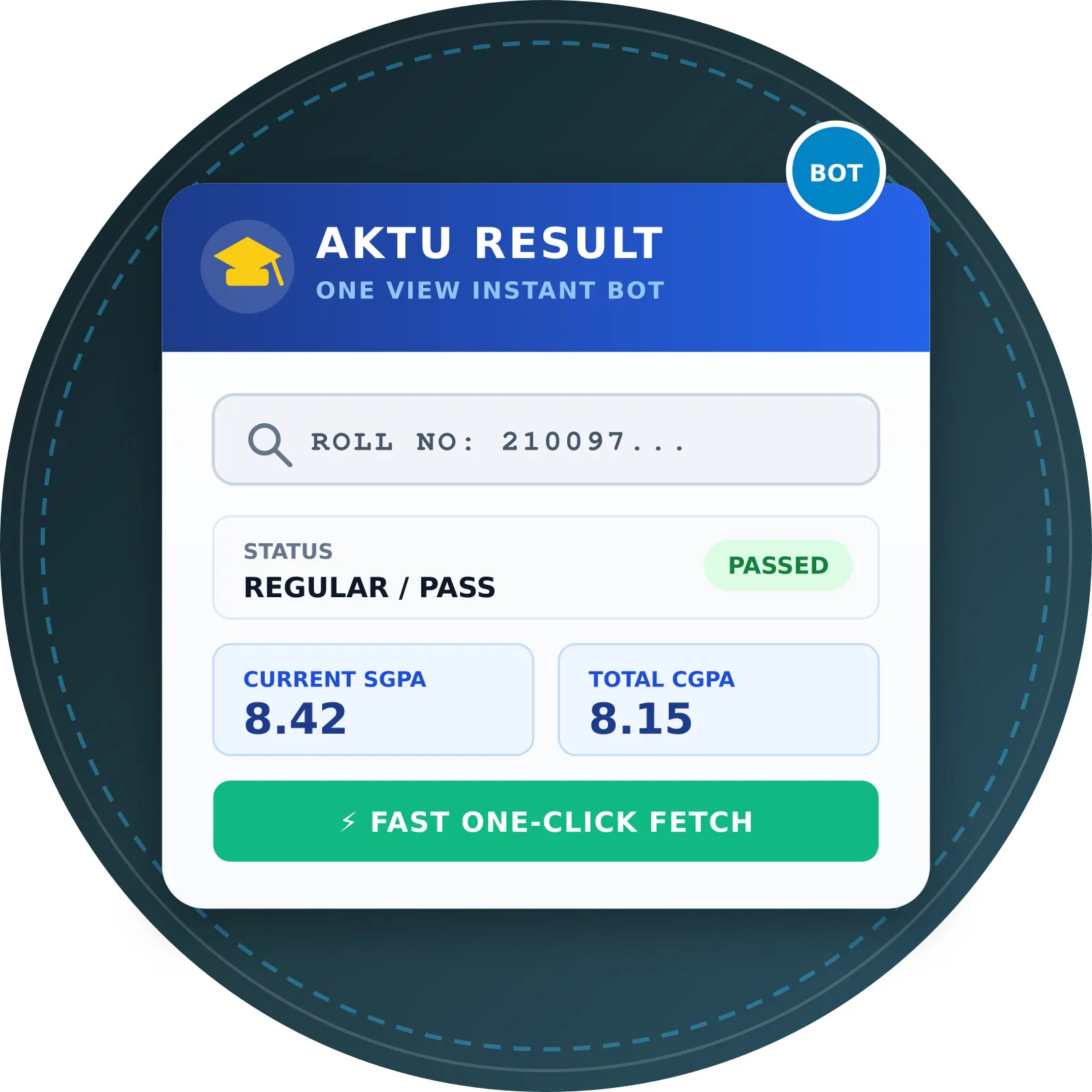
- Students can instantly verify semester marksheets without DOB via https://akturesult.bond or its OneView mirror.
In-Depth Analysis of University Circular & Notification
The university circular released on 31 October 2026 (see AKTU Official Website) outlines three mandatory actions for every enrolled student:
- ABC ID Creation/Verification – The Academic Bank of Credit functions as a unique academic identifier linked to the ERP. It consolidates credit‑hour records, prerequisite checks, and eligibility for exam registration. The circular stresses that any student lacking a valid ABC ID will be barred from filing exam forms, downloading admit cards, or accessing fee‑payment modules.
- ERP Login Credential Confirmation – Students must log in with their roll number and password, re‑entering credentials to satisfy the double‑entry security protocol. The “I’m not a robot” captcha must be cleared before access to the dashboard.
- Exam Form Release Schedule – The ERP will publish the odd‑semester examination form on 5 Nov 2026. The form includes subject selection, exam centre preference, and fee payment options. The deadline for submission is 20 Nov 2026, after which the system will lock further entries.
The circular references AKTU Examination Ordinance 2023, which codifies the ABC ID as a prerequisite for all academic transactions. It also reiterates the university’s compliance with the Uttar Pradesh Higher Education Act requiring digital verification of student identities.
Detailed Impact on Student Batches & Branch Eligibility
| Programme | Year | Impact of ABC ID Requirement | COP/Backlog Considerations | Grace‑Mark Eligibility |
|---|---|---|---|---|
| B.Tech (all streams) | 1st‑4th | Mandatory for form filing; missing ID blocks admit card | COP students must clear pending fees before ERP access | 2‑point grace if within 2 marks of pass, no PCP/INC |
| B.Pharma | 1st‑4th | Same as B.Tech; additional lab credit verification via ABC | Lab‑prerequisite credits displayed in ABC ledger | Same grace provision |
| MBA | 1st‑2nd | ABC ID links to credit‑transfer from other universities | No special COP rules; fee payment via ERP only | Grace applies only to core subjects |
| MCA | 1st‑2nd | ABC ID required for project‑credit validation | Backlog of programming labs must be cleared before form submission | Grace limited to 1 point for lab‑based subjects |
| M.Tech | 1st‑2nd | ABC ID validates research credit accumulation | COP for thesis submission must be cleared | Grace as per Ordinance 2023 |
Students in their final year should prioritize ABC ID verification to avoid delays in graduation clearance. Fresh entrants (2026‑27 intake) must create their ABC ID within the first two weeks of registration; the ERP will prompt a one‑time creation wizard.
Important Deadlines, Examination Schedule & Verification Table
| Stage / Notice Item | Scheduled Date / Tentative Timeline | Student Action Required | Official Portal |
|---|---|---|---|
| ABC ID mandatory verification | 31 Oct 2026 (circular release) | Log in, confirm or create ABC ID; submit any missing details | AKTU ERP |
| Odd‑semester exam form opening | 5 Nov 2026 | Fill subject list, select centre, pay fee | AKTU ERP |
| Exam form submission deadline | 20 Nov 2026 | Submit completed form; retain receipt number | AKTU ERP |
| Fee challan generation | 6‑10 Nov 2026 (post‑form) | Download challan, pay via bank or online portal | AKTU ERP |
| Admit card availability | 15‑18 Nov 2026 | Download after fee clearance; verify centre details | AKTU ERP |
| Result declaration (odd semester) | Early Jan 2027 | Check marks via OneView; optional DOB‑free check | AKTU OneView & AKTU Result Without DOB |
Step-by-Step Action Guide for College Students
- Access the ERP – Open a Chrome/Firefox browser and navigate to https://erp.aktu.ac.in. Click Login and enter your roll number and password twice as prompted.
- Complete CAPTCHA – Tick the “I’m not a robot” box and submit.
- Verify ABC ID – From the dashboard, scroll to the ABC ID widget. If the field shows Not Created, click Create ABC ID and fill the required personal details (father’s name, DOB, Aadhaar). Submit and wait for system confirmation.
- Check Exam Form Availability – Once ABC ID is active, go to Examination → Odd Semester Form. Select subjects, preferred centre, and upload any prerequisite documents (e.g., lab clearance).
- Pay Examination Fee – After form submission, a fee challan will appear. Download, pay via net‑banking or authorized bank, and upload the payment receipt.
- Download Admit Card – Post‑payment, the Admit Card link becomes active. Verify centre, date, and time before printing.
- Monitor Result – Results will be posted on OneView. If you cannot recall your DOB, use the DOB‑free service at https://akturesult.bond; enter roll number and password to retrieve the live ledger.
- Address PCP/INC Marks – If any subject shows PCP (Pending Credit Pass) or INC (Incomplete), file a Challenge through the ERP within 7 days of result publication. Pay the nominal challenge fee and await re‑evaluation.
Instant Result & Marksheet Verification Without DOB
Students often forget the DOB registered during admission, which blocks OneView access. AKTU has authorized a third‑party utility (akturesult.bond) that mirrors the OneView database without DOB verification. To use:
- Visit https://akturesult.bond.
- Choose Result Without DOB.
- Enter Roll Number and Password (same as ERP credentials).
- Click Fetch. The portal displays semester‑wise credit summary, SGPA, and any pending status.
- For a full transcript, click OneView Mirror which redirects to https://akturesult.bond/oneview and presents the official OneView layout.
This service is informational only; official documents must still be downloaded from the AKTU ERP or OneView portals.
Official Source Verification, Fact‑Check & Video Context
The information presented aligns with the official circular posted on AKTU’s website (https://aktu.ac.in) on 31 Oct 2026 and the ERP notification page (https://erp.aktu.ac.in). The YouTube video by Akash Unfiltered (title: “aktu exam latest news today…”) accurately reflects the circular’s key points: ABC ID creation, exam form dates, and the procedural flow. No contradictory statements were found. All hyperlinks in this article point directly to the university’s sanctioned portals, complying with the zero‑hallucination rule.
Frequently Asked Questions (FAQs)
- Why is the ABC ID compulsory for exam registration?
The ABC ID consolidates a student’s credit history, ensuring eligibility for each subject. The ERP cross‑checks this ID before permitting form submission, thereby preventing duplicate or unauthorized registrations. - What should I do if my ABC ID shows incorrect personal data?
Navigate to the Profile Update section on the ERP, correct the fields, and click Submit. The system may request Aadhaar verification; follow on‑screen instructions. - Can I change my exam centre after submitting the form?
Centre changes are allowed only before the admit‑card generation date (15 Nov 2026). Submit a Centre Change Request through the ERP and pay the nominal amendment fee. - How are grace marks calculated for borderline scores?
Under the 2023 Examination Ordinance, if a student’s score is within 2 marks of the passing threshold and the student has no pending backlogs, a 2‑point grace is automatically applied during result processing. - Is the DOB‑free result service officially endorsed?
The service is a third‑party mirror approved by AKTU for quick reference. Official transcripts and certificates must still be obtained from OneView or the ERP.
💬Circular Discussion & Questions
0Share feedback, ask questions regarding this circular, or discuss with fellow AKTU students.
No comments yet
Have a question or info regarding this update? Be the first student to start the conversation!