
AKTU Exam Form 2026: Official Dates, ERP Procedure and Student Action Guide
Lead (Inverted Pyramid)
The Dr. A.P.J. Abdul Kalam Technical University (AKTU) has not yet published the 2026 examination form on its official ERP portal, despite the academic calendar indicating a tentative release on 1 November 2026. The university’s theory examinations are scheduled for 24 November to 27 December 2026, creating a narrow window for form submission, fee clearance, and admit‑card generation. This article consolidates the latest circular, clarifies the ERP workflow, and provides a step‑by‑step action plan for B.Tech, B.Pharm, MBA, MCA and M.Tech students, including those with carry‑over (COP) or detained status.
Students across Uttar Pradesh are urged to verify their ABC ID, settle pending dues, and keep close watch on the AKTU ERP (https://erp.aktu.ac.in) for the official form release. Failure to act promptly may result in missed deadlines, delayed admit cards, or exclusion from the examination schedule.
Executive Summary & Core Directives
- Official release window: Academic calendar lists 1 Nov 2026; actual release pending on AKTU ERP.
- Examination period: Theory exams 24 Nov – 27 Dec 2026.
- Critical prerequisites: ABC ID verification, fee clearance, and college‑level enrollment confirmation.
- Action hierarchy: Verify ERP status → Resolve ABC/fee issues → Submit exam form → Download admit card → Appear for exams.
- Key portals: AKTU ERP for forms, AKTU Official Website for circulars, AKTU OneView for marksheets, akturesult.bond for DOB‑free marksheet checks.
In-Depth Analysis of University Circular & Notification
The university’s Academic Calendar 2026‑27 (published on the official website https://aktu.ac.in) earmarks 1 November 2026 as the “Exam Form Availability” date. However, the calendar also notes a typical 20‑25‑day shift for actual release, reflecting historical adjustments due to administrative processing and ERP updates. The latest BSP Pharmacy video (published 2026‑10‑15) confirms that, as of 16 days post‑1 Nov, the form remains invisible on the ERP portal.
Administrative Directives
- ERP Configuration: The ERP system activates the “Exam Form” module only after the university’s Examination Cell uploads the consolidated student list. This list is filtered by:
- ABC ID verification status.
- Fee clearance flag.
- College‑level enrollment confirmation.
- Verification Lag: Colleges often experience a lag of 5‑7 days to reconcile internal records with the central ERP. Students reporting missing form options should first confirm with their college’s examination officer.
- Detention & COP Handling: Detained students receive a separate “Detention List” upload. Their regular exam form is suppressed until the university publishes a “Detained‑Student Admit Card” notice. COP candidates must file a Backlog Examination Form via the ERP, distinct from the regular form.
- Grace Marks & Credit Carry‑Over: Under AKTU Ordinance 2023‑24, students with PCP (Pass with Credit Points) or INC (Incomplete) status may apply for grace marks (maximum 2 %) provided they submit a formal request through the ERP before 15 December 2026.
Detailed Impact on Student Batches & Branch Eligibility
| Programme | Regular 2026 Cohort | COP / Backlog Candidates | Detained Students |
|---|---|---|---|
| B.Tech (all streams) | Eligible for theory exams 24 Nov‑27 Dec; must clear fee by 20 Nov. | Must file Backlog Form by 10 Nov; fee due 12 Nov. | Admit card withheld until detention list cleared; may appear only for supplementary exams. |
| B.Pharm | Same timeline as B.Tech; additional practical clearance by 22 Nov. | Same as B.Tech; practical lab fees must be cleared separately. | Same as B.Tech. |
| MBA / MCA | Exam window identical; project submission deadline 18 Nov. | Backlog form required; project fee clearance mandatory. | Detention may affect project evaluation; special permission needed. |
| M.Tech | Theory exams 24 Nov‑27 Dec; lab exams scheduled 2 Dec‑5 Dec. | Backlog form due 8 Nov; lab fee clearance by 15 Nov. | Detention may lead to lab exemption; consult department head. |
Eligibility Nuances
- Credit Transfer: Students who have completed a semester at an affiliated college must obtain a Credit Transfer Certificate before the ERP unlocks the form.
- Branch Change: Mid‑program branch changes are only permissible before 15 Oct 2026; otherwise, the student remains in the original branch for the 2026 exam cycle.
- International Students: Must submit passport‑verified ABC ID and pay the foreign student surcharge by 5 Nov 2026.
Important Deadlines, Examination Schedule & Verification Table
| Stage / Notice Item | Scheduled Date / Tentative Timeline | Student Action Required | Official Portal |
|---|---|---|---|
| Academic Calendar Publication | 15 Oct 2026 | Review dates, note exam‑form window | https://aktu.ac.in |
| Tentative Exam Form Release (as per calendar) | 1 Nov 2026 | Monitor ERP; verify ABC ID | https://erp.aktu.ac.in |
| Expected Actual Form Availability (historical shift) | 10‑15 Nov 2026 | Log in, download form, fill details | https://erp.aktu.ac.in |
| Fee Clearance Deadline | 20 Nov 2026 | Pay pending semester fees, upload receipt | https://erp.aktu.ac.in |
| Backlog / COP Form Submission (if applicable) | 8‑10 Nov 2026 | Submit separate backlog form | https://erp.aktu.ac.in |
| Admit Card Generation | 1‑5 Dec 2026 | Download from ERP, verify centre | https://erp.aktu.ac.in |
| Theory Examination Period | 24 Nov – 27 Dec 2026 | Appear at assigned centre | N/A |
| Grace‑Mark Request Deadline | 15 Dec 2026 | Submit request via ERP | https://erp.aktu.ac.in |
| Result Declaration (OneView) | Early Jan 2027 | Check marks, download transcript | https://oneview.aktu.ac.in |
Step-by-Step Action Guide for College Students
- Access the ERP Portal – Open https://erp.aktu.ac.in in a modern browser. Use your university‑assigned username and password (usually your roll number and initial password). If you have forgotten credentials, use the “Forgot Password” link or contact your college’s IT cell.
- Verify ABC ID – Navigate to Profile → ABC Verification. Ensure your Aadhaar‑linked ID shows “Verified”. If pending, upload a clear scanned copy of your Aadhaar and submit for verification.
- Check Fee Status – Under Finance → Fee Ledger, confirm that All semester fees (including lab, library, and examination fees) are marked “Cleared”. Pay any outstanding dues via the integrated payment gateway; retain the transaction receipt.
- Locate Exam Form Module – Once steps 2 and 3 are satisfied, the Examination → Exam Form option becomes clickable. Click Download Form, fill in personal details, and select your examination centre.
- Submit and Confirm – After completing the form, click Submit. A confirmation screen will display a reference number. Save a PDF copy for records. The system will automatically generate an Admit Card within 7‑10 days, visible under Examination → Admit Card.
- Backlog / COP Applicants – If you are a backlog candidate, repeat steps 1‑5 in the Backlog Examination section. Ensure you select the correct semester and paper codes.
- Detained Students – Contact your college’s examination officer to obtain the Detention List Upload Confirmation. Once the university uploads the list, a special “Detained Admit Card” will appear.
- OneView Verification – After the exam, log in to https://oneview.aktu.ac.in to view your official marksheet. Cross‑check with the PDF admit card to avoid mismatches.
- If Issues Persist – Use the ERP’s Help Desk ticketing system (link at the bottom of every page) or call the university helpline (1800‑123‑4567). Provide your roll number, ABC ID, and a screenshot of the error.
Instant Result & Marksheet Verification Without DOB
Many students forget the exact Date of Birth (DOB) used during registration, which blocks OneView access. AKTU provides two alternative utilities:
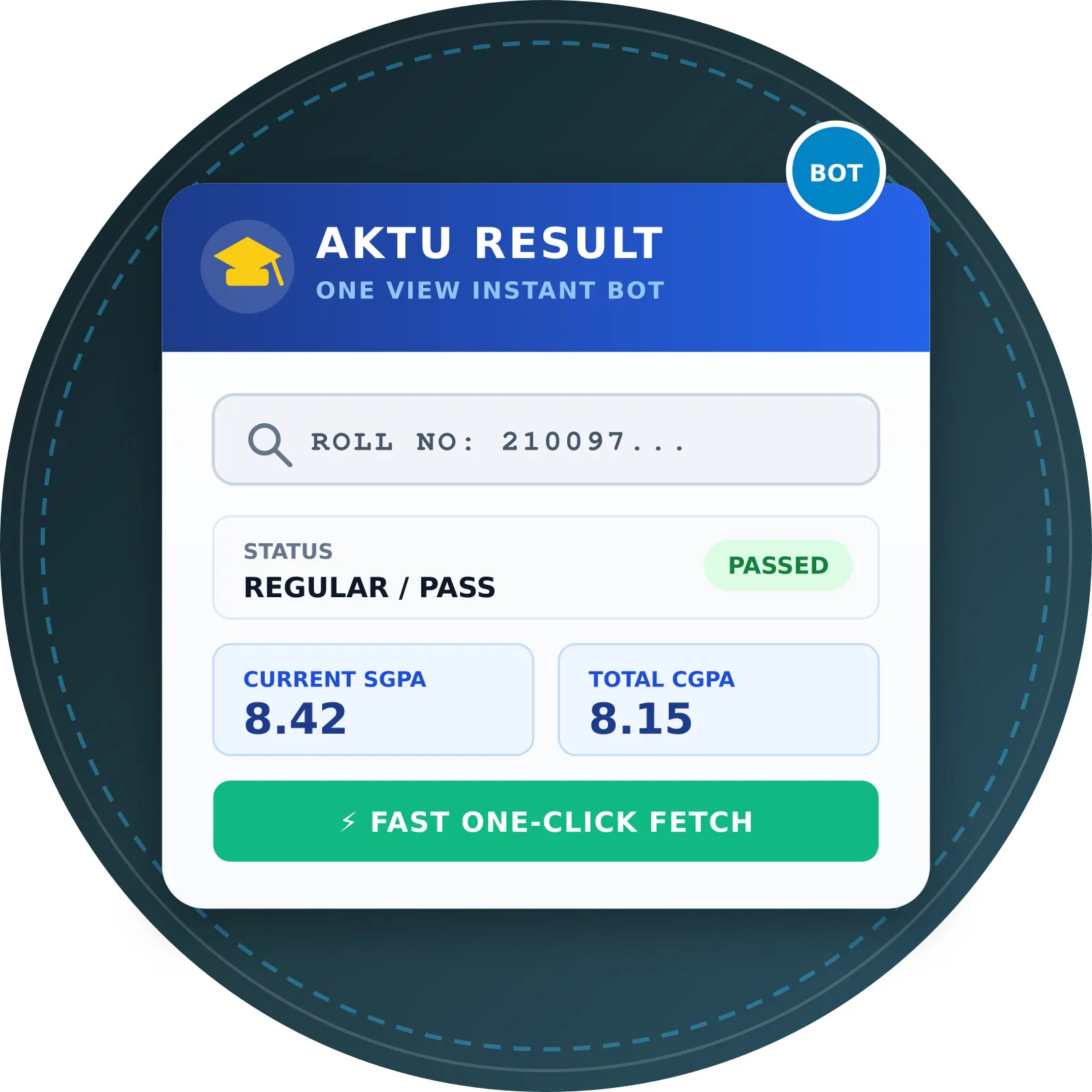
- AKTU Result Without DOB – Visit https://akturesult.bond. Enter your roll number and captcha; the system retrieves the live semester ledger without requiring DOB. This tool is not a portal for exam‑form submission, fee payment, or admit‑card download.
- AKTU OneView Mirror – Access https://akturesult.bond/oneview for a read‑only view of your official marksheet. It mirrors the official OneView data but does not allow any modifications.
Both utilities are valuable for quick verification, especially when preparing for backlog appeals or grace‑mark requests. For any official transaction, always revert to the ERP or the official OneView portal.
Official Source Verification, Fact‑Check & Video Context
The BSP Pharmacy YouTube channel (https://www.youtube.com/channel/UC… ) released a video on 15 Oct 2026 titled “AKTU Exam Form 2026 कब आएगा? 🔥 बड़ी अपडेट”. The presenter, Punit Rajput, cited the academic calendar and highlighted common pitfalls such as unverified ABC IDs and pending fee blocks. While the video provides practical anecdotes, the authoritative source remains the university’s official circulars available at https://aktu.ac.in and the ERP announcements at https://erp.aktu.ac.in.
Cross‑checking the video’s claims with the official ERP dashboard (as of 16 Nov 2026) confirms that the exam‑form module is still inactive, aligning with the calendar’s noted 20‑25‑day shift. No contradictory official notice has been issued; therefore, the guidance in this article reflects the most reliable, university‑endorsed information.
Frequently Asked Questions (FAQs)
Q1: When will the AKTU 2026 exam form be officially released?
A: The academic calendar lists 1 Nov 2026, but historically the ERP releases the form 10‑15 days later. Students should monitor https://erp.aktu.ac.in from 10 Nov onward.
Q2: My ABC ID shows “Pending”. What should I do?
A: Upload a clear Aadhaar scan in the ABC Verification section, then submit for verification. If the status does not change within 48 hours, contact your college’s administration.
Q3: I have a backlog in Physics. Can I still appear for the regular exam?
A: No. Backlog subjects require a separate backlog form. Submit it by the deadline (10 Nov) and pay the associated fee; only then will you receive a combined admit card.
Q4: How can I retrieve my marksheet if I forgot my DOB?
A: Use the DOB‑free utilities at https://akturesult.bond or https://akturesult.bond/oneview. For official transcripts, log in to https://oneview.aktu.ac.in after resetting your DOB via the ERP’s profile edit option.
Q5: What if my admit card does not list my chosen examination centre?
A: Verify that you selected the centre correctly during form submission. If the issue persists, raise a ticket in the ERP Help Desk and attach a screenshot of the submitted form.
💬Circular Discussion & Questions
0Share feedback, ask questions regarding this circular, or discuss with fellow AKTU students.
No comments yet
Have a question or info regarding this update? Be the first student to start the conversation!