
Executive Summary & Core Directives
- Exam‑form window: 20 Nov 2026 – 30 Nov 2026 for all newly admitted AKTU students (first‑year and lateral‑entry).
- Form fee: ₹7,500 for UG programmes, ₹10,000 for PG programmes.
- Official submission portal: AKTU ERP – the only authorized system for form entry, fee payment, and receipt download.
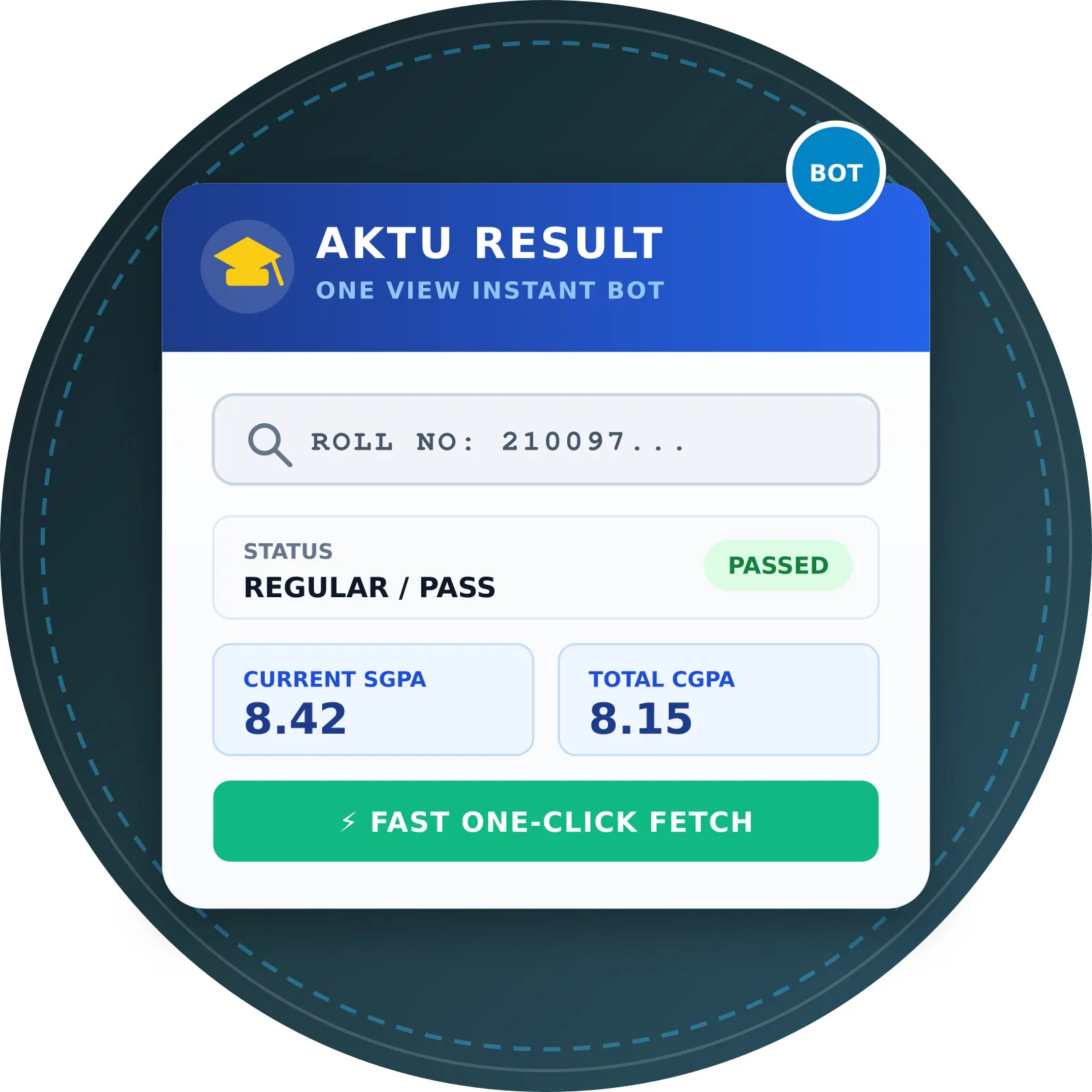
- Result verification: Use the independent tool AKTU Result Without DOB or the official OneView for quick marksheet checks.
- Study resources: Gateway Classes offers a 51 % discount on combined semester courses; the discount is accessed via coupon “EXAM51” on their app or web portal.
- Key dates for backlog (COP) students: The university will release a separate notice on the ERP portal after 30 Nov; students must monitor the portal for updates.
In-Depth Analysis of University Circular & Notification
On 17 Nov 2026 the AKTU Examination Directorate issued a circular (PDF reference #AKTU‑EX‑2026‑27‑ODD) that formalises the exam‑form schedule for the upcoming odd semester. The document aligns with the AKTU Examination Ordinance 2020, which mandates a minimum ten‑day window for form submission to ensure adequate processing time for fee reconciliation and seat verification.
The circular distinguishes three student categories:
- New admissions (first‑year UG/PG) – those who enrolled for the 2026‑27 academic year.
- Lateral‑entry entrants – diploma‑to‑degree B.Tech students entering directly into the second year.
- Existing regular students – currently in second, third, or fourth year; they will receive a separate notification once the ERP system finalises the semester‑wise fee structure.
Financially, the fee differentiation (₹7,500 UG vs. ₹10,000 PG) follows the AKTU Fee Schedule 2025‑26, which the university updates annually. The circular also reiterates that any form submitted after 30 Nov will be automatically rejected, and no manual extensions will be granted.
From an administrative perspective, the ERP portal will generate a unique Form Reference Number (FRN) for each submission. This FRN is required for subsequent fee payment via the integrated payment gateway and for downloading the Exam Admit Card after the verification stage.
Detailed Impact on Student Batches & Branch Eligibility
B.Tech (Core & Lateral‑Entry)
- First‑year entrants must complete the form within the stipulated window. Failure to do so will postpone their exam eligibility to the next semester, and they will be recorded as Absent for the current odd semester.
- Lateral‑entry B.Tech students (typically diploma holders) are treated as second‑year students for fee and form purposes. Their eligibility to sit for the odd‑semester exams hinges on timely form filing and payment of the ₹7,500 fee.
B.Pharma, MBA, MCA, M.Tech
- All postgraduate programmes are subject to the ₹10,000 fee. The same filing window applies. These students must also verify that their semester credit load meets the minimum 16‑credit requirement as per the AKTU Credit Policy; otherwise, the ERP will flag the form for review.
Carry‑Over Paper (COP) & Backlog Students
- The current circular does not address COP filing. Historically, AKTU releases a separate COP notice 15‑20 days after the regular form window closes. Students with pending backlogs should monitor the ERP dashboard for the COP announcement and be prepared to submit a distinct COP Form with a higher fee (₹12,000) and a separate verification workflow.
Grace Marks & PCP/INC Status
- Under AKTU Ordinance 2021‑22 Section 4.3, students whose internal assessment results are marked PCP (Pending Credit Pass) or INC (Incomplete) may be granted up to 5 grace marks after a formal petition to the Examination Board. The petition must be filed through the ERP portal within five working days of the result release.
Important Deadlines, Examination Schedule & Verification Table
| Stage / Notice Item | Scheduled Date / Tentative Timeline | Student Action Required | Official Portal |
|---|---|---|---|
| Exam‑form release (circular) | 17 Nov 2026 | Review circular, note dates | https://aktu.ac.in |
| Exam‑form filing window | 20 Nov 2026 – 30 Nov 2026 | Complete online form, pay fee, download FRN | https://erp.aktu.ac.in |
| Fee receipt generation | Within 24 hrs of payment | Save PDF receipt for future reference | https://erp.aktu.ac.in |
| Admit‑card availability | Approx. 10 days post‑filing (≈ 10 Dec 2026) | Download Admit Card using FRN | https://erp.aktu.ac.in |
| COP notice (if applicable) | Expected early Jan 2027 | Submit COP form, pay additional fee | https://erp.aktu.ac.in |
| Result declaration (odd semester) | Mid‑Feb 2027 | Check marks via OneView or akturesult.bond | https://oneview.aktu.ac.in / https://akturesult.bond |
Step-by-Step Action Guide for College Students
- Access the ERP portal – Open a browser and navigate to https://erp.aktu.ac.in. Click Student Login and enter your registered mobile number and password.
- Locate the Exam Form module – From the dashboard, select Examination → Exam Form Submission; the module becomes active on 20 Nov.
- Enter personal and academic details – Verify your enrollment number, branch, and semester. Any mismatch will trigger an error and block submission.
- Upload required documents – Attach a scanned copy of your latest fee receipt (if renewing) and a recent passport‑size photograph (JPEG, ≤ 100 KB).
- Pay the exam fee – Choose the integrated payment gateway, select the appropriate fee (₹7,500 UG / ₹10,000 PG), and complete the transaction. A digital receipt will be generated automatically.
- Record the Form Reference Number (FRN) – After successful payment, the system displays an FRN. Save this number; it is required for Admit Card download and any future correspondence.
- Confirm submission – Click Submit and verify the confirmation email sent to your registered address. The email contains a PDF copy of the submitted form.
- Monitor the portal for Admit Card – Starting 10 Dec, the Admit Card link will appear under Examination → Admit Card. Download and print it in PDF format.
- If marks appear as PCP/INC – Log in to the ERP, navigate to Results → Petition, upload a brief justification (max 500 words), and submit before the five‑day deadline.
Instant Result & Marksheet Verification Without DOB
Students who have misplaced their registered Date of Birth can still retrieve their semester ledger instantly. The independent service AKTU Result Without DOB aggregates data from the official OneView API and presents it in a user‑friendly interface. To use:
- Visit https://akturesult.bond.
- Select Semester Ledger Lookup and enter your Enrollment Number and CAPTCHA.
- The system returns a table of subject codes, internal marks, external marks, and total grades.
Important: This tool is read‑only; it does not allow fee payment, form filing, or result challenges. For any official action, always revert to the ERP or OneView portals.
Official Source Verification, Fact‑Check & Video Context
The YouTube video from GateWay Classes accurately reflects the dates announced in the AKTU circular dated 17 Nov 2026. However, the video also promotes commercial services (discounted courses, coupon codes) that are not affiliated with the university. All procedural instructions—especially those concerning fee payment and form submission—must be cross‑checked against the official ERP portal and the university website (https://aktu.ac.in). No official communication from AKTU endorses the Gateway Classes discount; it is a third‑party offering.
For rigorous verification, students should:
- Download the PDF circular from the university website.
- Compare the fee structure and dates with the ERP dashboard.
- Use the ERP’s Help Desk (link available on the login page) for any discrepancies.
Frequently Asked Questions (FAQs)
Q1: What happens if I miss the 30 Nov deadline?
A1: The ERP will reject any late submission, and the student will be marked Absent for the odd semester. The only recourse is to wait for the next semester’s filing window or apply for a special permission, which is rarely granted.
Q2: Can I pay the exam fee through a bank counter instead of the online gateway?
A2: No. AKTU mandates online payment through the ERP‑integrated gateway to ensure real‑time verification. Offline payments are not recognised for exam‑form processing.
Q3: Are there any additional documents required for lateral‑entry students?
A3: Lateral‑entry candidates must upload a scanned copy of their diploma certificate and the Lateral Entry Approval Letter issued by the university. Failure to attach these documents will halt the form processing.
Q4: How do I retrieve my FRN if I lose the confirmation email?
A4: Log in to the ERP, go to Examination → My Forms, and the FRN will be listed beside your submitted form. You can also request a resend of the confirmation email from the Support tab.
Q5: Is the 51 % discount from Gateway Classes applicable to all branches?
A5: The discount applies to any combined odd‑ and even‑semester course bundle offered by Gateway Classes, regardless of branch. It does not affect university fees or exam‑form charges.
💬Circular Discussion & Questions
0Share feedback, ask questions regarding this circular, or discuss with fellow AKTU students.
No comments yet
Have a question or info regarding this update? Be the first student to start the conversation!