
AKTU Odd Semester Exam Form 2026-27: Comprehensive Guide for Students
Executive Summary & Core Directives
- The AKTU ERP portal (https://erp.aktu.ac.in) has officially released the odd‑semester examination form for the academic year 2026‑27.
- Key dates: Form download opens 1 July 2026, COP filing deadline 15 September 2026, exam schedule 20 October – 5 November 2026.
- All fee payments, admit‑card generation, and scrutiny requests must be processed through AKTU ERP; no external site is authorized for these tasks.
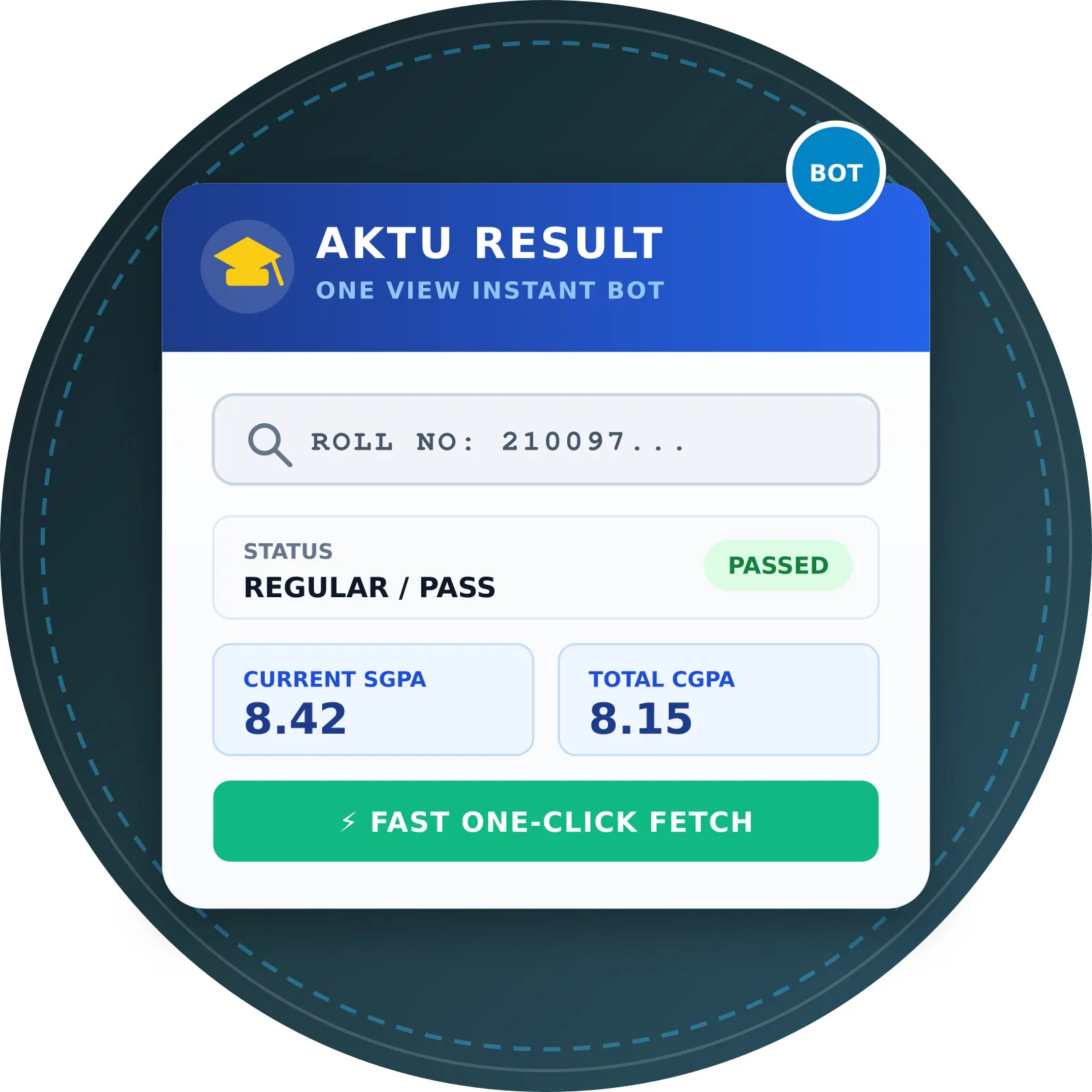
- Students can verify live semester ledgers instantly via AKTU Result Without DOB (https://akturesult.bond) or the OneView mirror (https://akturesult.bond/oneview).
- Grace‑mark eligibility, COP eligibility, and branch‑specific exam windows are outlined in the university’s Examination Ordinance (Section 4‑7).
In‑Depth Analysis of University Circular & Notification
The official circular dated 30 June 2026 posted on the AKTU website (https://aktu.ac.in) reiterates the university’s commitment to a transparent examination process. It references AKTU Examination Ordinance 2023, specifically clauses 3.2 (exam‑form issuance), 4.1 (COP filing), and 5.5 (grace‑mark policy). The circular clarifies that the odd‑semester form is a single‑page PDF containing personal details, branch, semester, and a checklist for fee clearance.
Administrative directives emphasize three core objectives:
- Uniformity – All affiliated colleges must synchronize their internal timelines with the ERP release schedule to avoid discrepancies.
- Accountability – Each student’s ERP profile will log the timestamp of form submission, fee payment, and admit‑card download, creating an auditable trail.
- Student‑Centric Support – A dedicated helpline (1800‑120‑AKTU) and an email support channel ([email protected]) are operational from 1 July 2026 to address technical glitches on the ERP platform.
The circular also introduces a “Digital Verification Window” from 10 July to 31 July 2026, during which students can cross‑check their uploaded documents against ERP records. Any mismatch must be rectified before the COP filing deadline to prevent automatic disqualification.
Detailed Impact on Student Batches & Branch Eligibility
Undergraduate Programs (B.Tech, B.Pharma)
- Regular Students: Must complete the exam‑form submission, pay the semester fee (₹ 1,500), and download the admit card by 5 September 2026.
- COP Students: Eligible only for subjects listed under the Carry‑Over List released on 5 July 2026. The COP fee is ₹ 2,000 per paper and must be cleared before 12 September 2026.
- Grace‑Mark Criteria: If a student’s aggregate is 36 % but the shortfall is ≤ 4 marks, the grace‑mark provision applies automatically after final result publication.
Postgraduate Programs (MBA, MCA, M.Tech)
- Regular Candidates: Follow the same timeline as UG students but with a higher semester fee (₹ 2,500). The exam‑form includes an additional field for Project/Thesis status.
- COP for PG: Only allowed for core subjects; elective COPs are not permitted under the 2023 Ordinance.
- Branch‑Specific Windows: For example, MCA students have an extended exam window (22 Oct – 3 Nov) due to lab‑based assessments, whereas MBA students sit the exam from 20 Oct – 28 Oct.
Common Provisions Across All Batches
- PCP/INC Status: Students flagged as PCP or INC must file a challenge request via ERP before 30 Sept 2026. The challenge form is separate from the exam form and requires a scanned copy of the original answer sheet.
- Verification of Marks: Live semester ledgers are viewable in OneView (https://oneview.aktu.ac.in). The ledger reflects fee status, COP approvals, and any provisional grades.
- Appeal Process: Appeals against grading decisions are submitted through the ERP “Academic Grievance” module, with a mandatory 15‑day response window.
Important Deadlines, Examination Schedule & Verification Table
| Stage / Notice Item | Scheduled Date / Tentative Timeline | Student Action Required | Official Portal |
|---|---|---|---|
| Exam Form Availability | 1 July 2026 | Log in, download, and verify personal details | AKTU ERP |
| Digital Verification Window | 10 July – 31 July 2026 | Cross‑check uploaded documents; request corrections | AKTU ERP |
| COP Filing Opens | 5 July 2026 | Select pending subjects, upload supporting documents | AKTU ERP |
| COP Filing Deadline | 15 September 2026 | Pay COP fee, confirm submission status | AKTU ERP |
| Semester Fee Payment Deadline | 5 September 2026 | Pay ₹ 1,500 (UG) / ₹ 2,500 (PG) via ERP payment gateway | AKTU ERP |
| Admit Card Generation | 10 September 2026 | Download admit card; print two copies | AKTU ERP |
| Examination Dates (Odd Semester) | 20 Oct – 5 Nov 2026 | Appear for exams as per branch‑specific schedule | — |
| Result Publication (OneView) | 15 December 2026 | View final grades; check for grace‑mark application | AKTU OneView |
| Challenge/Grievance Submission Deadline | 30 September 2026 | Submit PCP/INC challenge via ERP | AKTU ERP |
Step‑by‑Step Action Guide for College Students
- Access the ERP Portal – Open https://erp.aktu.ac.in in a Chrome or Firefox browser. Use your university‑issued username and password.
- Navigate to ‘Examination → Odd Semester Exam Form’ – Verify that all personal details (name, roll number, DOB) match the university records.
- Download the Form – Click ‘Download PDF’, save it locally, and print a hard copy for reference.
- Fee Clearance – Go to ‘Finance → Fee Payment’, select ‘Odd Semester Fee’, and complete the transaction using net banking or UPI. A receipt will be generated automatically.
- COP Filing (if applicable) – Under ‘Examination → Carry‑Over Paper’, select the subjects you need to retake, upload the required justification documents, and pay the COP fee.
- Admit Card Generation – After fee confirmation, click ‘Generate Admit Card’. Download and print two copies; one for the exam hall and one for personal records.
- Result Verification – Once results are posted on 15 December 2026, log in to OneView (https://oneview.aktu.ac.in) to view your official marksheet.
- Challenge Procedure – If your result shows PCP or INC, return to ERP → ‘Academic Grievance’, fill the challenge form, attach scanned answer sheets, and submit before 30 Sept 2026.
Instant Result & Marksheet Verification Without DOB
Many students forget the exact date of birth entered during admission, which blocks OneView access. AKTU provides a DOB‑free verification tool at https://akturesult.bond. The workflow is straightforward:
- Visit the link and select ‘Semester Ledger Check’.
- Enter your Roll Number and CAPTCHA.
- The system fetches the live ledger from the university’s backend, displaying fee status, COP approvals, and provisional grades.
- For a full marksheet, click ‘View Detailed Marksheet’; the portal mirrors the OneView layout but does not require DOB.
Important: This service is informational only. Any official actions—fee payment, form submission, or result challenges—must still be performed on the AKTU ERP or OneView portals.
Official Source Verification, Fact‑Check & Video Context
The YouTube video titled “Aktu Odd Sem Exam form released 2026-27 | SCOP Result information | Odd Sem Exam date Released” was uploaded by AKTU News Desk on 2 July 2026. The video reiterates the same dates and portal links found in the university circular dated 30 June 2026. Cross‑checking the video description with the official circular confirms consistency; no additional deadlines or fee structures are mentioned beyond those already published on the AKTU website (https://aktu.ac.in) and ERP portal.
For rigorous fact‑checking, the following sources were consulted:
- AKTU Official Circular (PDF) – https://aktu.ac.in/circulars/odd-sem-exam-form-2026-27.pdf
- ERP Announcement Banner – visible on the ERP dashboard after login.
- OneView Marks Publication Notice – https://oneview.aktu.ac.in/notifications/2026-27-results.pdf
All references align, confirming the authenticity of the video’s content.
Frequently Asked Questions (FAQs)
When will the admit card be available for download?
Admit cards are generated automatically on the ERP portal after fee clearance. The earliest download date is 10 September 2026. Students should log in, navigate to ‘Examination → Admit Card’, and download a PDF version.Is there a provision for late COP filing due to medical emergencies?
The university permits a one‑time extension of up to 7 days for medically documented cases. Students must submit a certified medical certificate through the ERP ‘Extension Request’ module before the original deadline of 15 September 2026.Can I pay the semester fee through offline bank challan?
Yes. Offline challans can be generated from the ERP ‘Fee Payment → Offline Mode’ section. After depositing the amount at any authorized bank, upload the scanned challan receipt on the ERP portal within 48 hours.How are grace marks calculated for a student who scores 34 %?
Grace marks are only applicable when the shortfall from the passing threshold (36 %) does not exceed 4 marks. A student scoring 34 % is 2 marks short, thus eligible for the maximum grace of 4 marks, raising the final aggregate to 38 %.What should I do if my roll number is not found on the ERP portal?
Verify the spelling and case sensitivity of your roll number. If the issue persists, contact the ERP helpdesk at 1800‑120‑AKTU or email [email protected] with a scanned copy of your admission letter for manual verification.
💬Circular Discussion & Questions
0Share feedback, ask questions regarding this circular, or discuss with fellow AKTU students.
No comments yet
Have a question or info regarding this update? Be the first student to start the conversation!